 English
 العربية
 Deutsch
 Español
 Français
 Italiano
 Português
 Русский
 Türkçe
 Tiếng Việt

Image Cropper
Fast, simple, and precise photo cropping right in your browser.


Our Online Image Cropper is a powerful, browser-based utility designed for creators, developers, and social media enthusiasts who need fast and precise image adjustments. Whether you are building a professional portfolio or prepping assets for a website, this tool allows you to refine your visuals without the need for complex software like Photoshop.
Why Should You Crop Your Images?
Cropping is a fundamental step in digital asset management. It’s not just about changing size; it’s about visual impact and technical performance:
-
Master Your Composition: Use cropping to apply the "Rule of Thirds" or center your subject, turning a standard snapshot into a professional-grade photograph.
-
Remove Distractions: Eliminate unwanted background elements, photo-bombers, or cluttered edges to keep the focus where it belongs.
-
Improve Web Performance: By cropping out unnecessary pixels, you reduce file size, which is critical for SEO and faster page load speeds.
-
Ensure Platform Compatibility: Every platform has different requirements. Cropping ensures your content isn't awkwardly cut off by automatic algorithms.
Common Applications & Use Cases
From web development to personal branding, a clean crop is essential:
-
Social Media Management: Perfectly size photos for Instagram (1:1), LinkedIn Banners, YouTube Thumbnails, and Twitter Headers.
-
Web Development & UI/UX: Create uniform thumbnails and hero images for your blog or portfolio. Consistent aspect ratios are key to a clean, professional layout.
-
E-commerce: Crop product shots to a consistent square or portrait ratio to give your online store a cohesive, high-end aesthetic.
-
Profile Pictures: Ensure your headshot is perfectly centered and properly framed for Slack, GitHub, or professional networking sites.
Key Features of Our Tool
-
100% Client-Side Processing: Your privacy matters. Images are processed directly in your browser, meaning your data is never uploaded to a server.
-
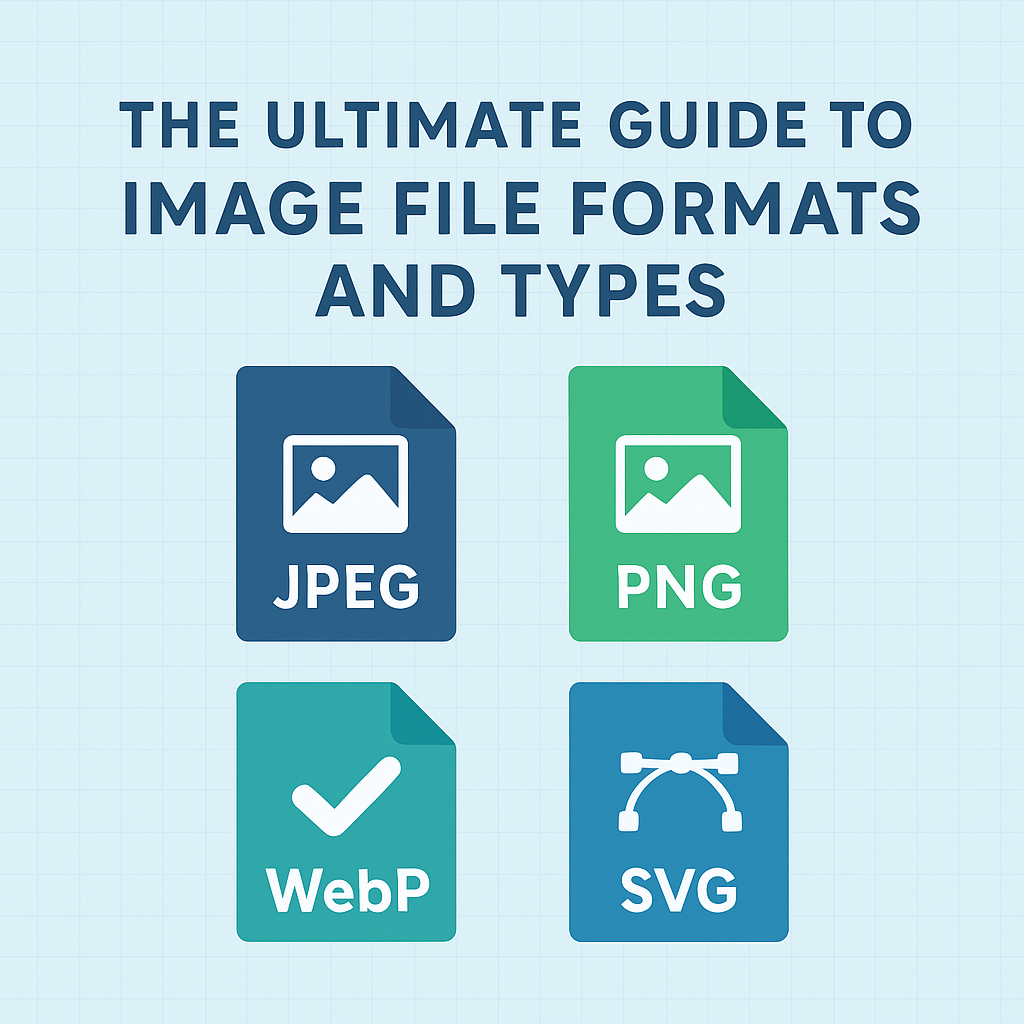
Multiple Format Support: Seamlessly work with JPG, PNG, and WEBP files.
-
Preset Aspect Ratios: Quickly toggle between 1:1, 16:9, 4:3, or use a "Freeform" mode for total control.
-
High-Resolution Output: Our tool preserves the integrity of your pixels, ensuring your cropped image stays crisp and clear.
How to Use the Image Cropper
-
Upload: Drag and drop your file or click the upload button.
-
Select: Drag the handles to define your crop area. You can also move the selection box to find the perfect frame.
-
Refine: Choose a preset ratio if you are targeting a specific platform.
-
Download: Click "Download" to save your optimized image instantly to your device.

Violet
Administrator
Ensuring secure, reliable, high-performance tools for every digital task.
Popular Tools
Recent Posts